ar be de es fr hi it ja ko nl pl pt ru tr uk uz zh en
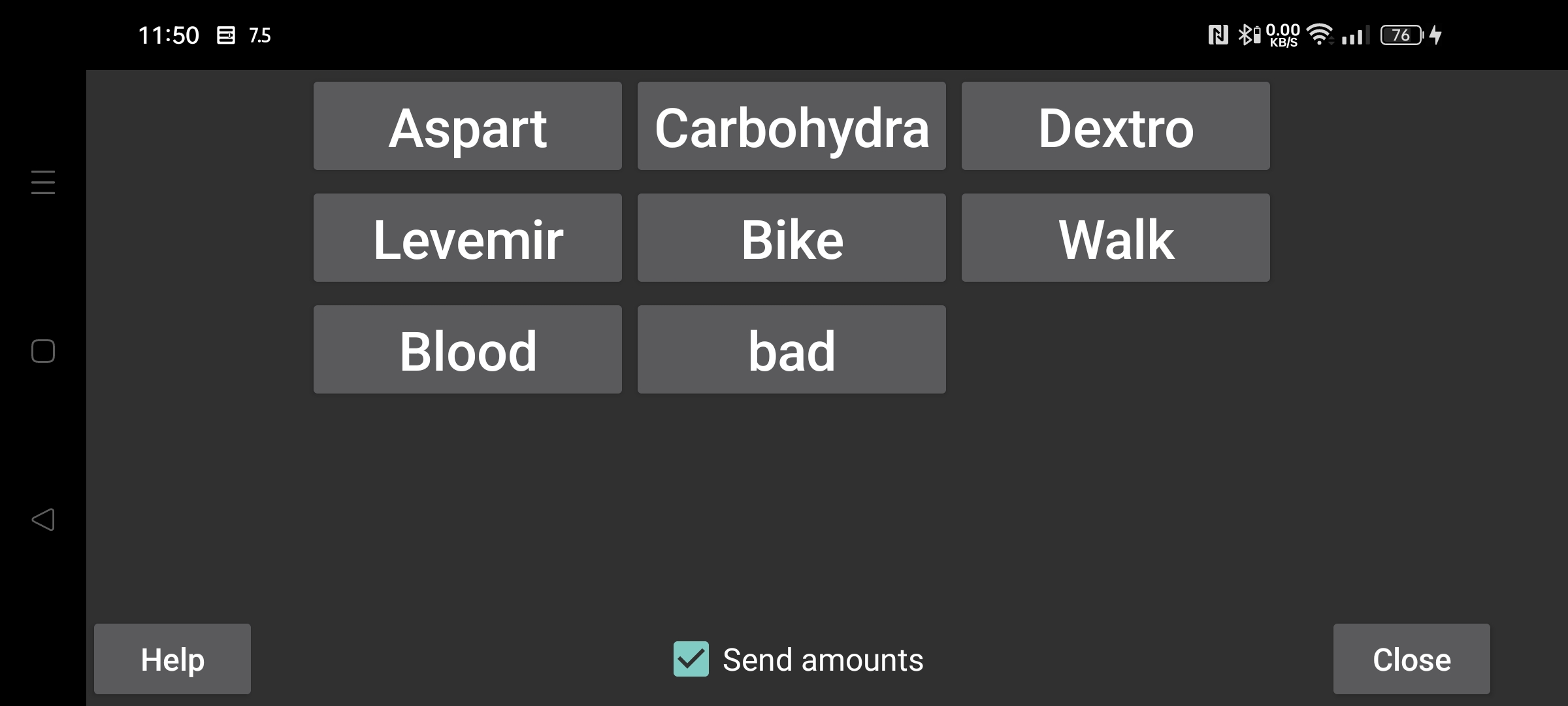
Set "Send amounts", to send Amounts to Libreview. Before you can switch on "Send amounts", you need to specify for every label how the amounts entered under that label should be sent to Libreview. The labels themselves can be created, modified and deleted in Left menu->Settings->"Number Labels".
For labels send as comments to Libreview the following restriction applies: after you change a label, deletions and changes of amounts entered under the previous label will not be propagated to LibreView. For example, if you previously had the label Bike and entered 20 then changed Bike into Cycling and modify 20 in 25, will this change not result in a change in Libreview, but will both Bike 20 and Cycling 25 be present in Libreview. The only thing you can do is to delete the current devices in Libreview and press on Resend Data in Juggluco.